
Knowledge Base
Stock Return and Credit Notes
Last updated on July 24th, 2026
Introduction
The Stock Returns and Credit Notes feature allows you to manage returns and issue credits directly from your Gojee invoices. It provides you with the ability to return items to your inventory and issue partial credits with ease from a single function.
Stock Return and Credit Notes
To get started, simply click “Create Return/Credit Note” located at the bottom of an invoice.

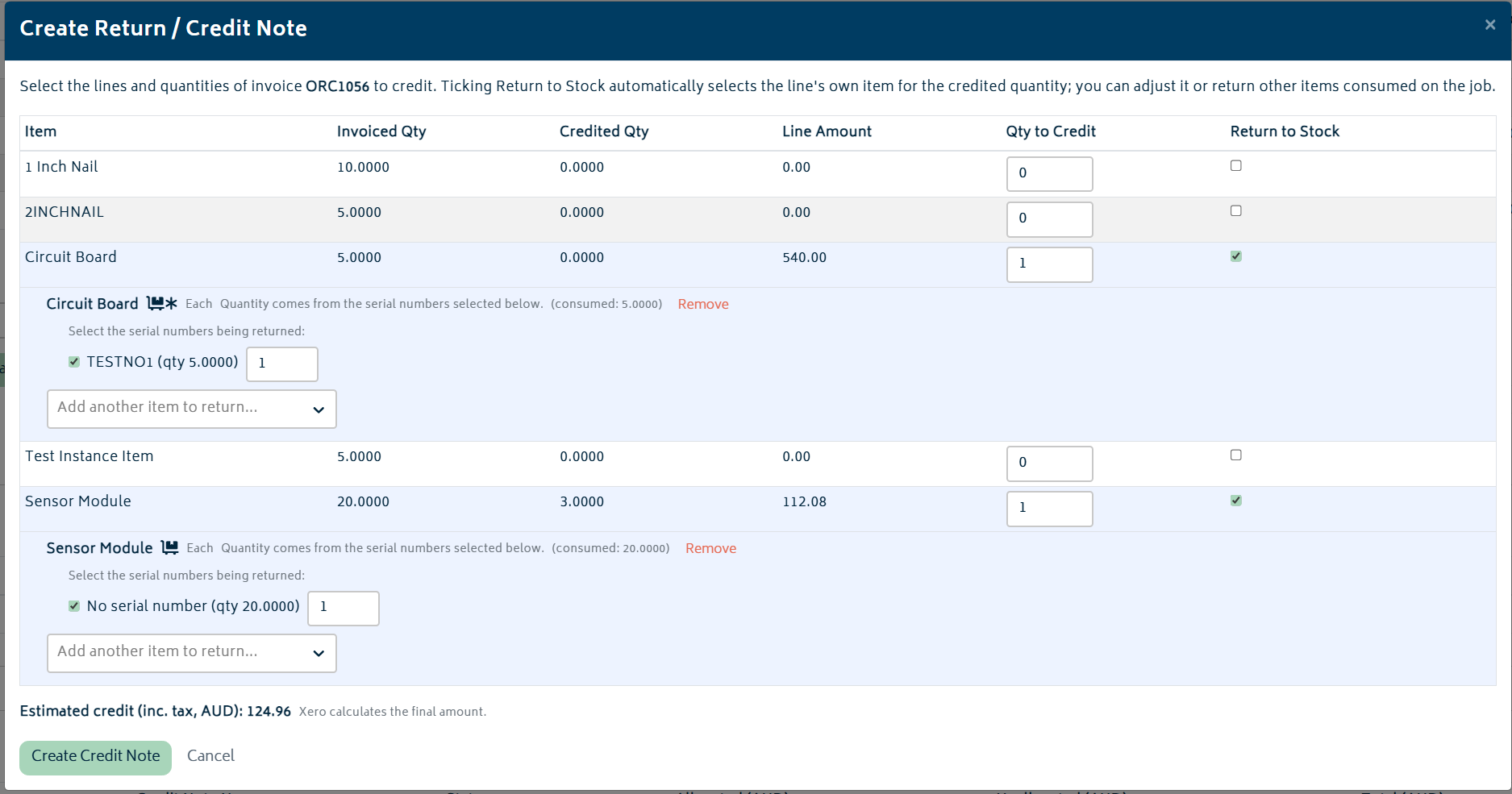
This displays an itemised breakdown of all items specifying invoiced quantities, credited quantities, line amounts, quantities to credit, and whether to return the item to stock. Depending on the situation, you may choose to credit several items without returning them to stock or make a full return, adding the item back. Please ensure that all items and return values are correct before submitting, as the credit note/return cannot be undone.
How the credit gets applied depends on whether the bill has been paid or not. If it is unpaid and the credit note is less than the amount owing, it will simply be applied directly to the amount due. In the instance where the credit note is greater than the amount owing or if the bill is fully paid, the credit note is then applied to the account in Xero where it can be managed.
Any credit notes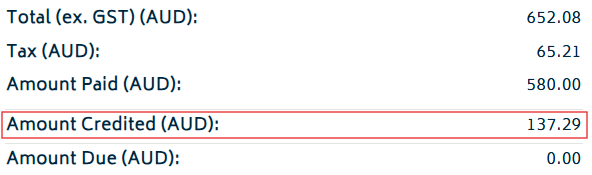 and their allocated/unallocated values can be seen in the “Credit Notes” section.